
Products
A catalogue that can carry a whole menu.
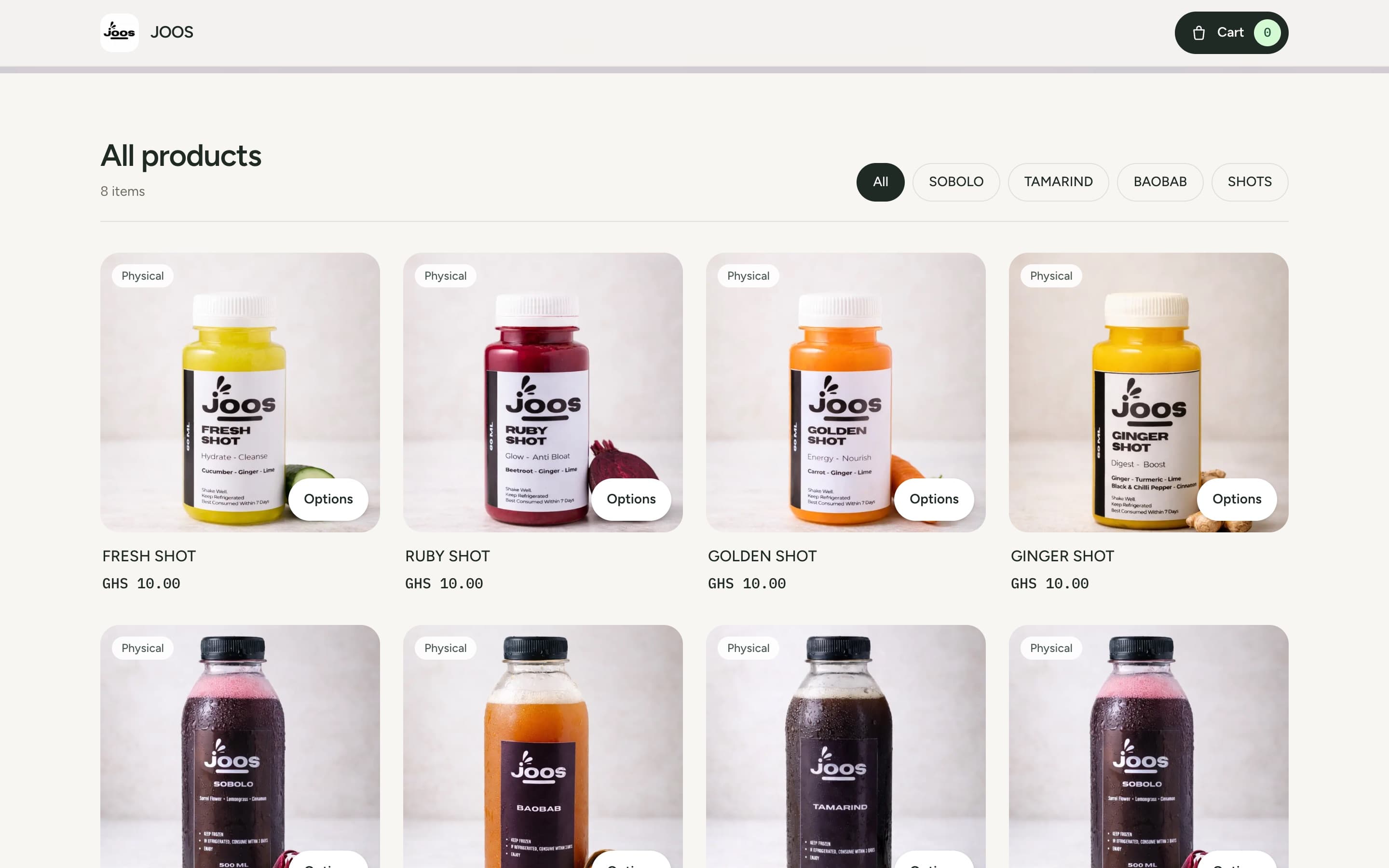
List physical goods, digital products and services. Each product takes up to five photos, a discount, a category, a SKU or barcode, and options with their own price and stock.
joos.seevplus.store
Storefronts & POS
Open a store at yourstore.seevplus.store, add your products once, and take orders from your website and your shop floor. Every sale goes into the same Orders tab.
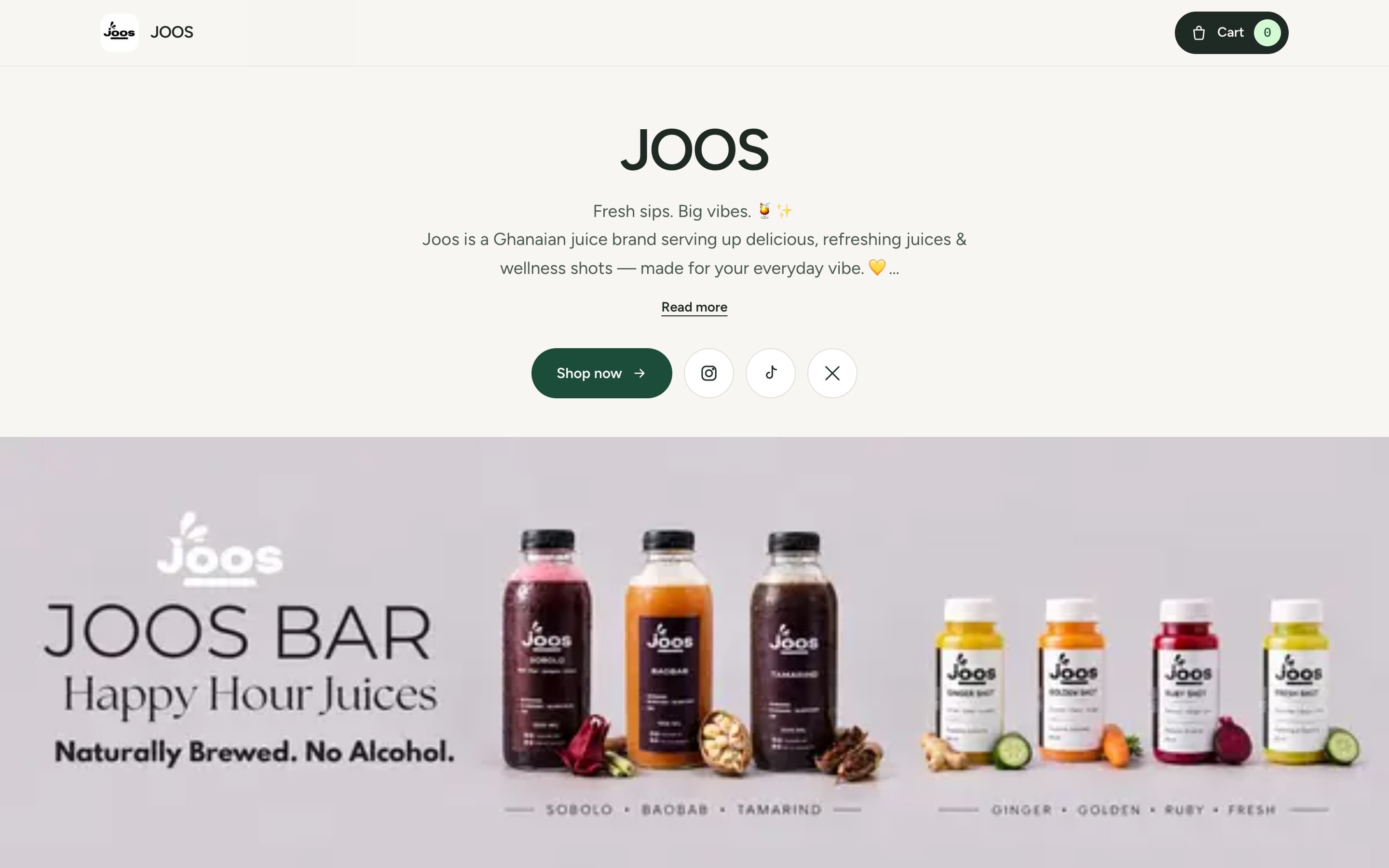
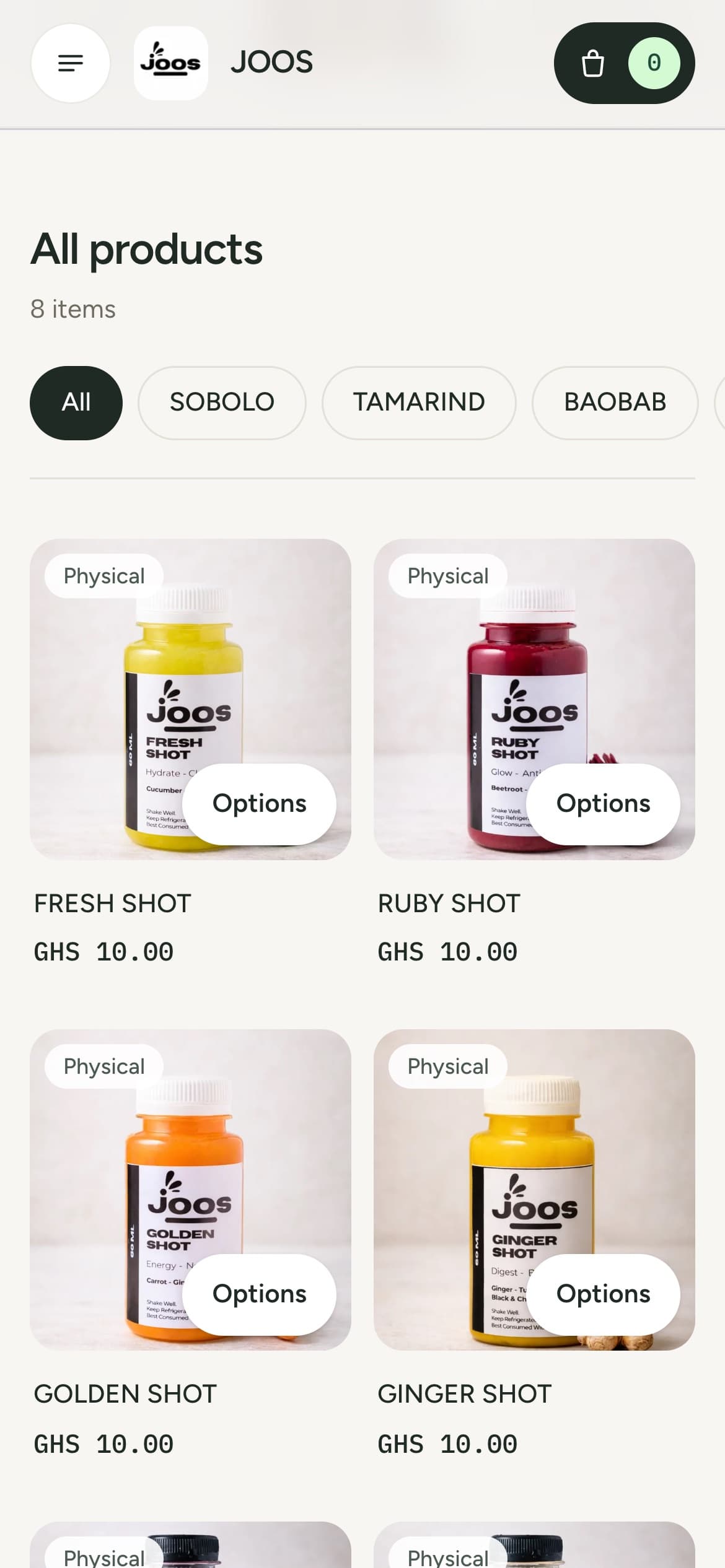
JOOS sells its juices at joos.seevplus.store.
Follow one order
These are the screens a JOOS customer sees, in order. Scroll to follow along.
They open your link
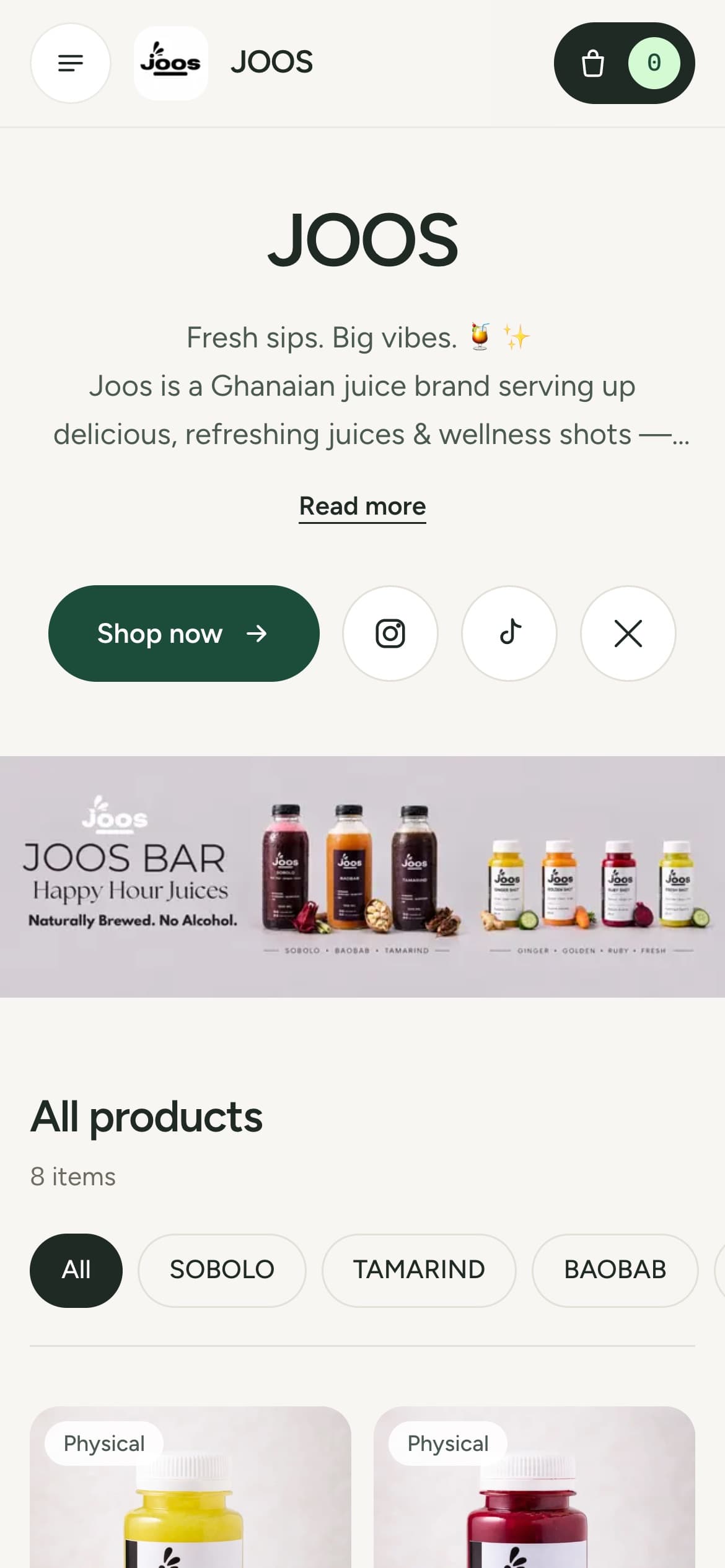
Share your seevplus.store link in WhatsApp, on Instagram or anywhere else you talk to customers. It opens with your logo, banner, description and social links.
They browse
Category filters sit above the grid, and more products load as they scroll. Discounts and sold-out items are marked on the card.
They choose
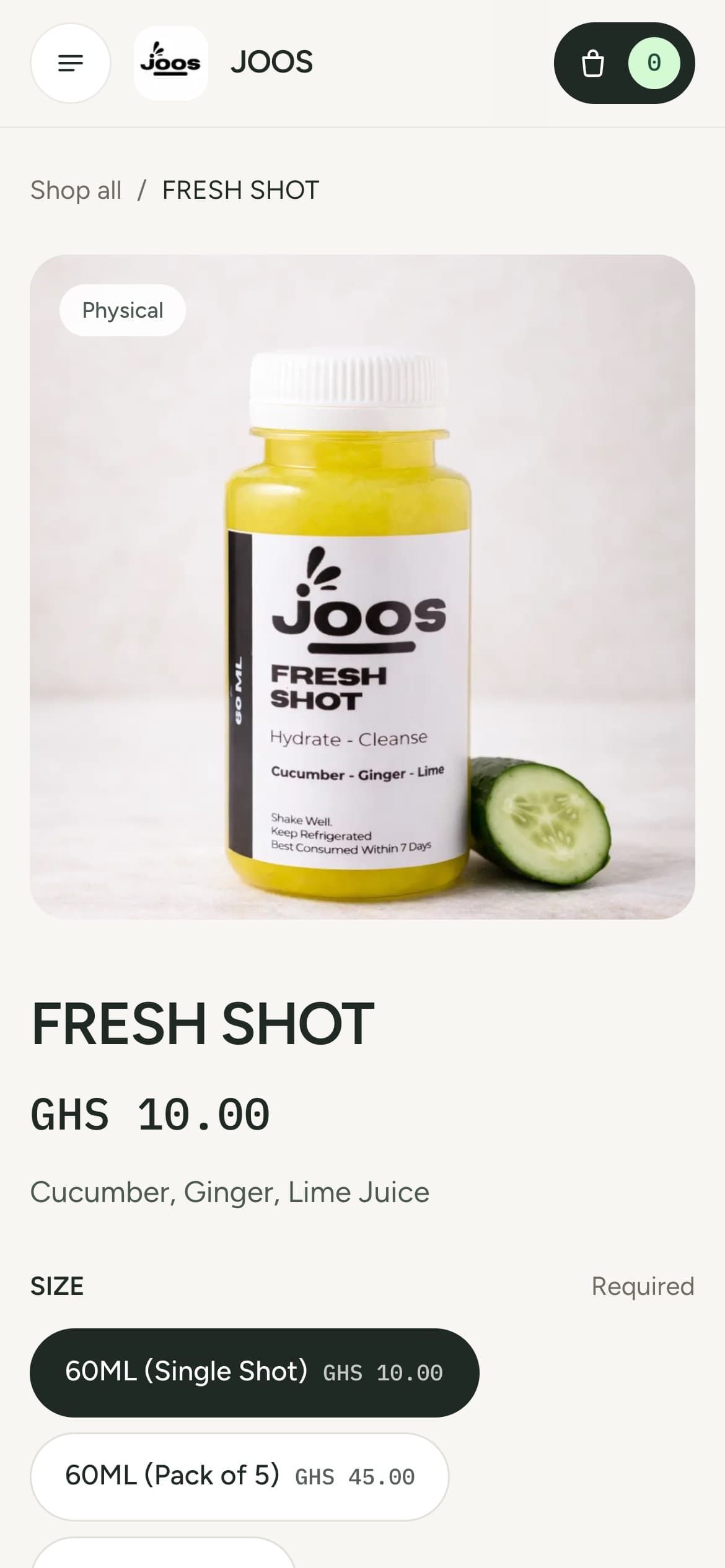
Each option can have its own price and its own stock. Required options have to be picked before the item goes in the cart, and the price updates as they choose.
They pay
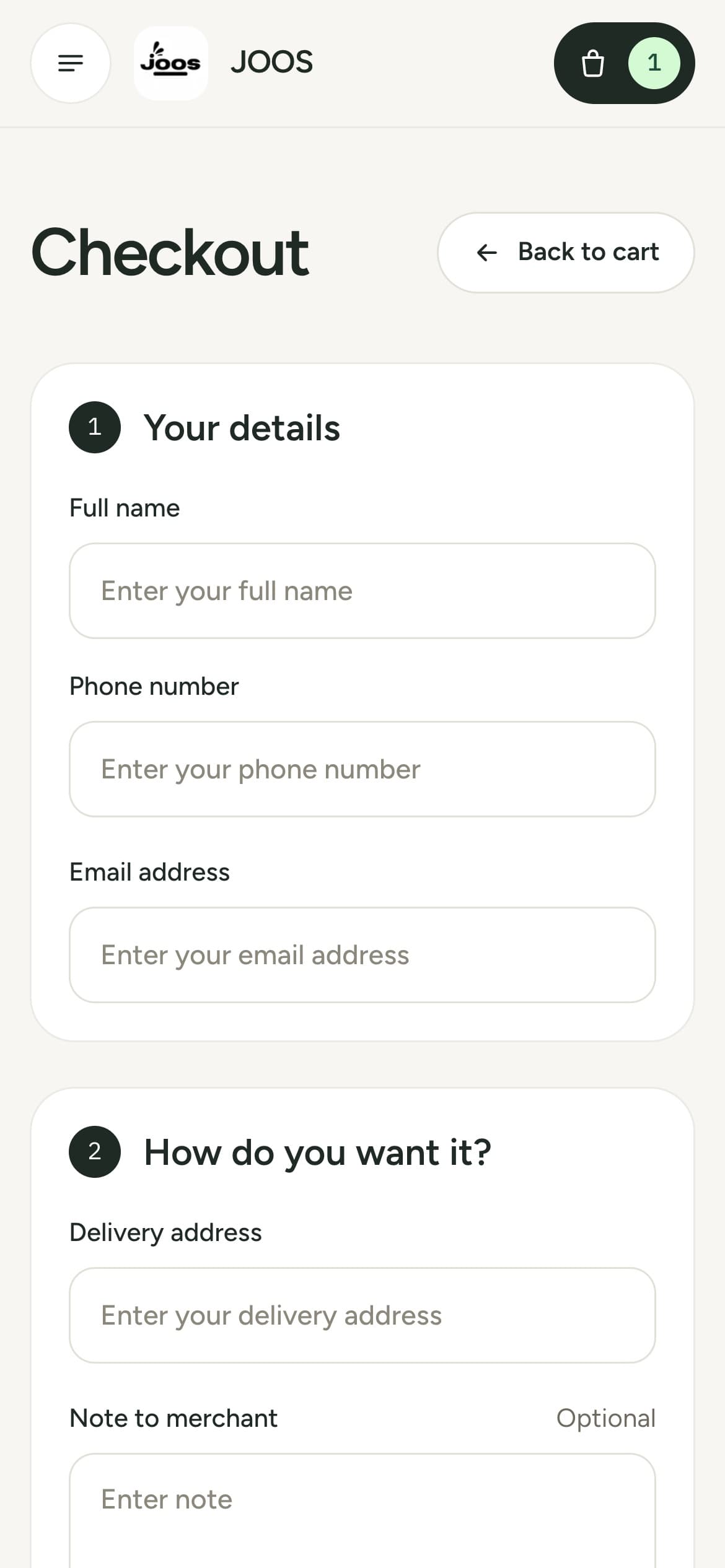
Name, phone and email, then delivery to one of your zones or pickup from your address. Payment happens on a SeevPlus checkout page with MTN, Telecel or AT mobile money.
You fulfil
You get an email when the payment comes in. The order shows the customer, the items and the payment reference, and you move it to Preparing, Shipped and Delivered as you go.

FRESH SHOT
Size: 60ML (Pack of 5)
Running the store
Products
List physical goods, digital products and services. Each product takes up to five photos, a discount, a category, a SKU or barcode, and options with their own price and stock.
Logo, brand colour, banner, description, contact details and social links. A live preview updates while you edit.
Customer details, items, payment status and reference on one page. Move each order along as you pack and ship it.
Sales, store visits and best sellers by week, month, quarter or year, with order totals and refunds alongside.
Illustration
Bring products in from the CSV template and review them before they go live. Stock updates, and showing, hiding or featuring products, work in bulk too.
Delivery zones with the areas each one covers and its own fee, plus a pickup address and hours. Customers only see the methods you set up.
Point of sale
Open the POS tab, search by product name or barcode, and build the order. When you create it, SeevPlus shows a QR code and a checkout link. Your customer scans it and pays with mobile money on their own phone, and can leave an email address for a receipt.
FRESH SHOT60ML (Pack of 5) · GHS 45.00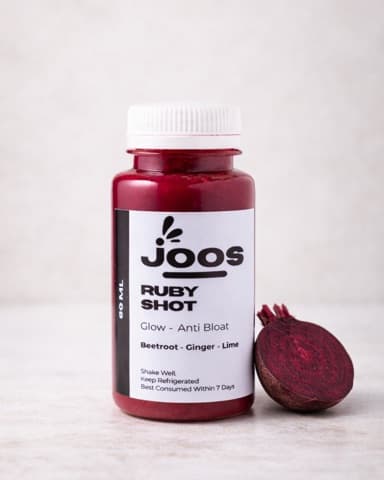 RUBY SHOT60ML (Single Shot) · GHS 10.00
 GOLDEN SHOT60ML (Single Shot) · GHS 10.00
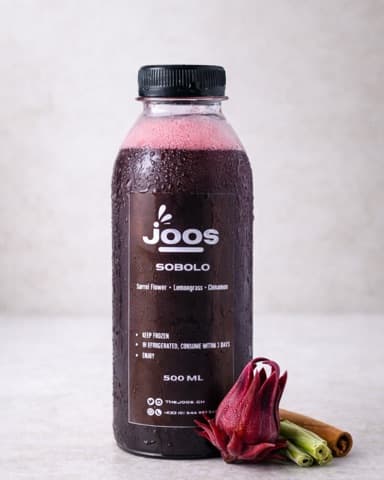 SOBOLO500ML · GHS 15.00
POS order
Getting paid
MTN, Telecel or AT mobile money on a SeevPlus checkout page. They get a receipt, and you get an email.
Store and POS sales go to your balance, and the sold quantity comes off your stock.
Cedi balances pay out every business day, weekly or monthly to the destination you save.
1.5% per payment, capped at GH₵50.
The same rate on store and POS orders. A GH₵200 order costs GH₵3 to collect.
In SeevPlus
Name, store address, currency and logo.
Photos, prices, options and stock, or a CSV.
Zones, pickup, and your shipping, return and exchange policies.
Then open the POS tab for walk-in sales.
Each store uses a subdomain of seevplus.store, such as yourstore.seevplus.store. You choose it during setup and can change it later in Preferences. Custom domains are unavailable for now.
Create a workspace, add your first product, and share your link.